How everyday improvements make HR and payroll easier
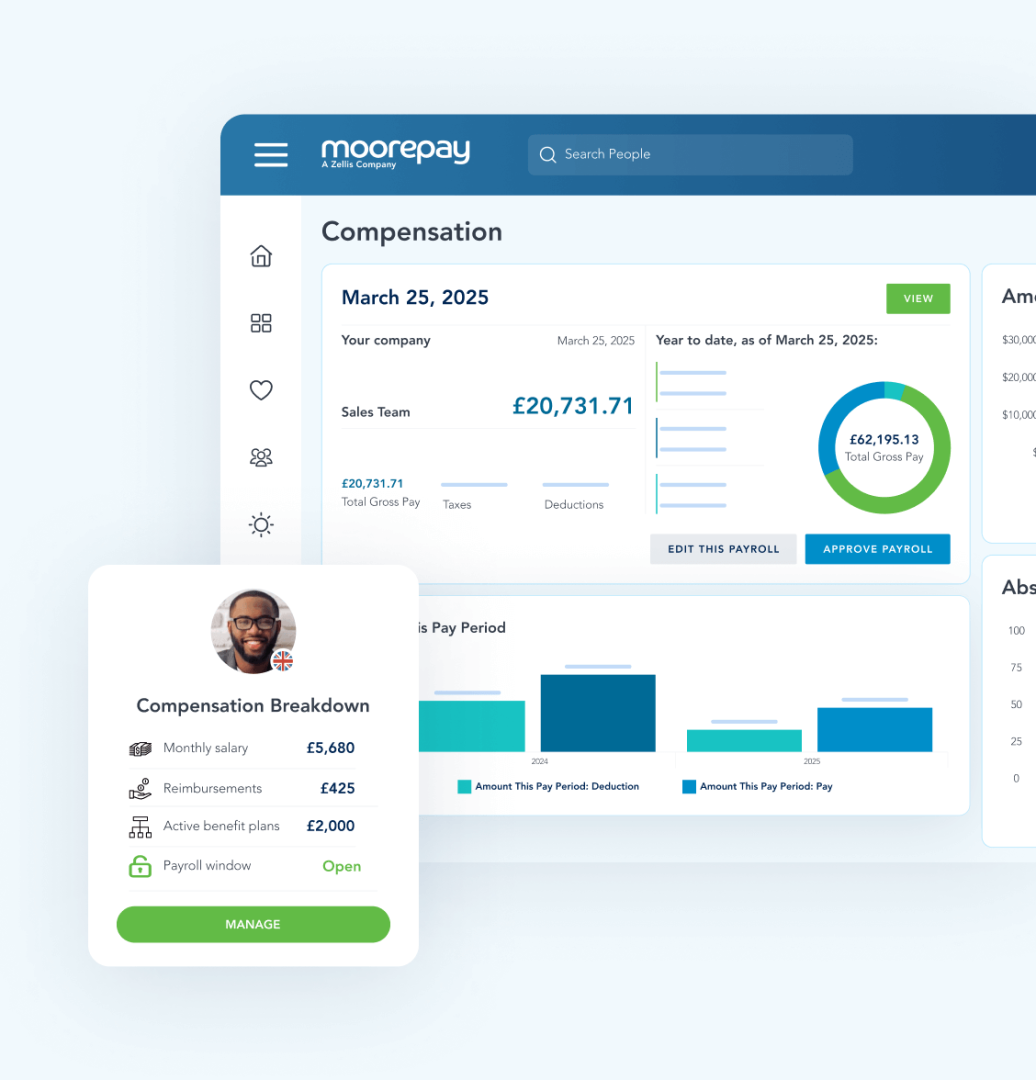
When people talk about progress in HR and payroll software, they often think about major releases. But for the teams running payroll every month and managing people data day to day, progress is felt in much smaller ways.
It shows up when payroll runs complete without interruption. When data flows through cleanly. When small issues do not turn into time‑consuming fixes. And when teams can trust the system to behave as expected, even during the busiest periods.
This is where continuous improvement matters most, addressing those everyday pressure points. It is the steady work that makes tasks simpler, more predictable, and easier to get right first time.
Reducing friction where it slows teams down most
Payroll and HR teams spend a lot of time dealing with avoidable interruptions. Often these are caused by unclear system behaviour, missing data, or changes that should never have been allowed through in the first place.
Recent improvements focus on reducing those points of friction, particularly during payroll processing and data changes.
Recent enhancements include:
- Clearer payroll job status messages to show whether jobs are still processing or ready to be resubmitted.
- Visible restore‑point date and time before reversing payroll or restoring after a pay run.
- Stronger validation for key payroll fields such as Works ID and bank details.
- Smarter checks to prevent incomplete or incompatible employee data being sent to payroll.
- Earlier diagnostics for issues such as NI category eligibility and missing workplace postcodes.
- Ability to archive payroll data errors, allowing teams to restore and resolve them rather than deleting records.
- Option to disable payments sync to payroll in All‑in‑One environments where payments are managed directly in payroll.
- Removal of “Send to Payroll” from Quick Add Employees to reduce errors caused by missing mandatory data.
- Mandatory start date enforcement when “Send to Payroll” is enabled, preventing avoidable payroll data failures.
These changes help teams spend less time stopping and checking, and more time moving work through with confidence.
Compliance that fits into everyday work
Many compliance issues do not start with major failures. They start with small data problems that quietly build up over time.
Continuous improvements help reduce that risk by embedding compliance into everyday workflows, rather than relying on manual checks or clean‑up later on.
Recent enhancements include:
- Improved handling of Length of Service leave to calculate valid entitlements.
- Enhanced prevention of “insufficient allowance” handling when booking time off.
- Automatic end‑dating of open‑ended sickness when an employee becomes a leaver.
- Clearer full‑year holiday entitlement visibility for contracted‑hours employees on accrual plans.
- Updated P11D tax benefit descriptions to reduce the risk of HMRC form rejection.
- Stronger protection to prevent edits or deletions once payroll items have been paid.
- Support for multiple TAIN references in Irish payroll to improve PAYE Modernisation submissions.
- Statutory Neonatal Care Pay included in P60 outputs for accurate year‑end reporting.
- Statutory Neonatal Care Pay fields added to Tax Year End Declarations.
- Full support for Student Loan Plan 5 across payroll documents, aligned to upcoming legislation.
Together, these changes help teams stay compliant without slowing down day‑to‑day work.
Making everyday work feel easier
Some of the most valuable improvements are the ones users notice simply because the system feels easier to work with.
Small usability and performance changes can save significant time when they are repeated across every payroll run, report, or employee update.
Recent enhancements include:
- Faster‑loading payroll, reporting, and leave management screens during busy periods.
- Self‑service access to P45s for leavers, reducing routine HR and payroll queries.
- Frozen column headers in reports to make large datasets easier to review.
- Clearer form messaging across common HR workflows.
- More consistent navigation when moving between employee records.
- Improved handling of edge cases across time off, sickness, and timesheet entry.
- Performance improvements to the Leave By Proxy screen.
- Faster loading Variable Pay reports to speed up payroll review.
- Improved date entry behaviour in NextGen screens for auto‑completion.
- Refactored payroll screens such as Position Competencies and Employers to improve overall performance.
These changes reduce friction in everyday tasks and help teams stay focused.
Better data, fewer problems later on
As organisations grow, data quality becomes harder to manage. Small inconsistencies can quickly turn into payroll errors, reporting gaps, or compliance risk.
Recent improvements focus on preventing those issues at source.
Recent enhancements include:
- Stronger validation and clearer feedback across HR and payroll bulk uploads.
- Tighter controls to ensure timesheets, expenses, and mileage are accurately mapped before being sent to payroll.
- Fixes to reporting aggregates and salary calculations to improve accuracy.
- Clearer handling of full‑year holiday allowances and historical records.
- Improved support for formatting and special characters in data uploads and reports.
- Additional validation in the Consolidated Diagnostic Report, including NI category checks.
- P45 “Previous Employment week or month” field can be left blank when Week 1 or Month 1 is selected.
- Support for zero values in Variable Pay to allow corrections without inconsistent behaviour.
- Improved handling of negative numeric values in NextGen screens.
This helps teams trust their data without having to manually double‑check every step.
Learn more and get support that fits your business
Every organisation experiences HR and payroll friction in different ways. The most effective improvements are often the ones tailored to how your teams work today.
To explore how these enhancements apply to your setup:
- Speak to Customer Success
Your Customer Success contact can provide individual guidance based on your configuration, data complexity, and payroll processes. - Join a Moorepay Live webinar
Our recurring Moorepay Live webinars offer practical walkthroughs, product updates, and expert guidance, with opportunities to ask questions and learn from real scenarios.
Both options are designed to help you turn everyday improvements into practical benefits for your teams.
Small improvements that add up
Payroll and HR systems are used constantly. Even small inefficiencies can have a real impact over time.
By focusing on everyday friction, continuous improvement helps teams avoid unnecessary rework, reduce risk, and run payroll with confidence.
That is how Moorepay makes everyday payroll and HR easier.